
Error: style.css style sheet is missing.
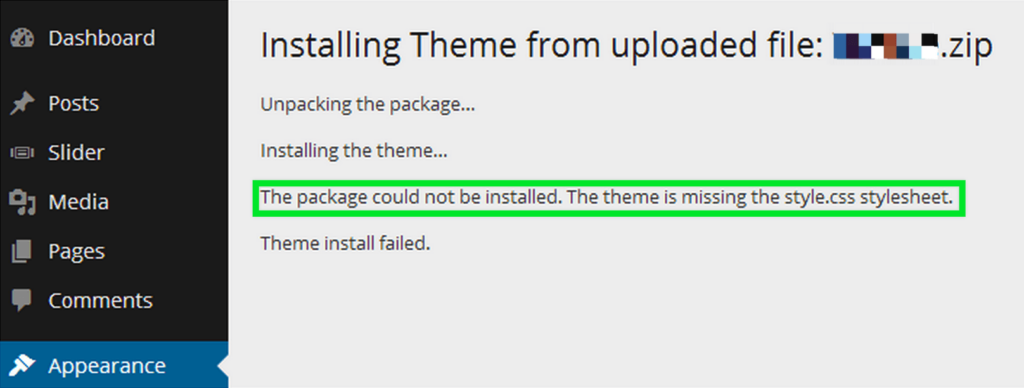
A common problem that can occur when installing a theme from WordPress is that when you load your teme, you receive the following error message:
\The package could not be installed. The theme is missing the style.css style sheet.
Why does the error Missing style.css style sheet?
One of the reasons why you may receive the error missing style.css stylesheet is if you have uploaded the wrong file. Many times, the file you download contains documentation, additional plugins, etc, along with the specific theme file. All of this may be compressed into a package like the one below:
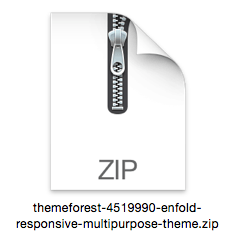
Very well, to solve it is very simple, you only have to unzip all the content of this package in your computer and look for the file that contains the theme.
You can see in the image below that product documentation is also included, which we recommend you review in detail to get the most out of the product you have just purchased:

Make sure you load only the installable theme named NameOf Theme.zip. If you load ALL of these files, you will receive the style.css file error.
Find out much more about our products, by entering our Blog!
Si quieres conocer otros artículos parecidos a Error: falta la hoja de estilo style.css puedes visitar la categoría Ayuda y Soporte.
 Español
  English
  Português do Brasil