
Perfmatters: Optimizing WordPress for Faster Loading Speed.

Perfmatters: Discover how this powerful plugin can boost the performance of your WordPress site, optimizing the loading speed and improving the user experience significantly.
In a digital world where page load speed can make or break the user experience, tools like Perfmatters play a crucial role in website optimization. This article delves into Perfmatters, exploring its characteristics and advantages, alternatives, and providing a detailed overview of its updates and licensing options.
What is perfmatters?
Perfmatters is a performance optimization plugin for WordPress that offers a variety of features specifically designed to speed up web page load times. Unlike many other plugins that focus primarily on caching techniques, Perfmatters takes a more comprehensive and detailed approach towards improving site performance.
Key features of perfmatters
- Deactivation of unused scripts and styles: One of the highlights of Perfmatters is its ability to selectively disable scripts and styles that are not needed on certain pages. For example, if a plugin loads its scripts throughout the website but only uses them on one page, Perfmatters allows you to disable those scripts on pages where they are not needed. This reduces the number of HTTP requests and the amount of data the browser needs to load, resulting in a significant speed improvement.
- Database optimization: Perfmatters includes tools to clean and optimize the WordPress database. This involves removing post revisions, automatic drafts, and transient data that can accumulate over time and slow down the site.
- Lazy loading of images and videos: The plugin facilitates the implementation of "lazy loading", a technique that delays the loading of images and videos until they enter the user's field of view on the page. This means that resources are not loaded all at once when a user accesses a page, but only when necessary, improving initial load time.
- Heartbeat: WordPress runs a "heartbeat" process that allows WordPress to communicate between the browser and the server. While useful for features such as real-time editing of posts, it can consume unnecessary resources. Perfmatters provides a way to control the frequency of these processes to reduce their impact on server performance.
- Deactivation of unnecessary functions: Perfmatters allows users to disable unused WordPress features that can affect performance, such as emojis, the REST API, and RSS feed linking.
Benefits of Using Perfmatters
Use Perfmatters can result in a noticeable improvement in page load speed, which not only improves the user experience but can also have a positive impact on site SEO. Google and other search engines prioritize sites that load quickly, so optimizing your site's performance with Perfmatters can help improve your ranking in search results.
In addition, by improving the speed of the site, it reduces the bounce rate and conversion rates can be improved., The site is a very fast and efficient one, as users are less likely to abandon a site that works quickly and efficiently.
Perfmatters is a valuable tool for any WordPress site administrator looking to optimize site performance beyond standard caching solutions, providing fine-grained control over site resources and improving both user experience and site operational efficiency.
Perfmatters alternative
Exploring alternatives to Perfmatters is essential for those who wish to further fine-tune performance optimization on their WordPress sites, or who are looking for specific features that better suit their needs. Here we further detail some of these alternatives, expanding on WP Rocket, Autoptimize and Asset CleanUp, as well as introducing other available options.
WP Rocket
WP Rocket is one of the most popular and comprehensive optimization plugins for WordPress. It not only focuses on performance optimization by minifying CSS, JavaScript and HTML, but also includes advanced caching functionalities. Its user interface is remarkably user-friendly, which makes setting up complex optimization features accessible even to non-technical users. WP Rocket also offers database optimization, lazy loading of images and videos, and CDN support, making it a comprehensive solution for improving site speed.
🚀Do you know WP Rocket? and what it can do for your website?
Autoptimize
Autoptimize is another widely used plugin that simplifies the optimization of front-end website elements. It allows for the aggregation and minification of scripts and styles, as well as image optimization and deferred loading. Its configuration is less complex than WP Rocket, making Autoptimize an excellent choice for those who want to improve their site's performance without diving into overly technical configurations.
Asset CleanUp
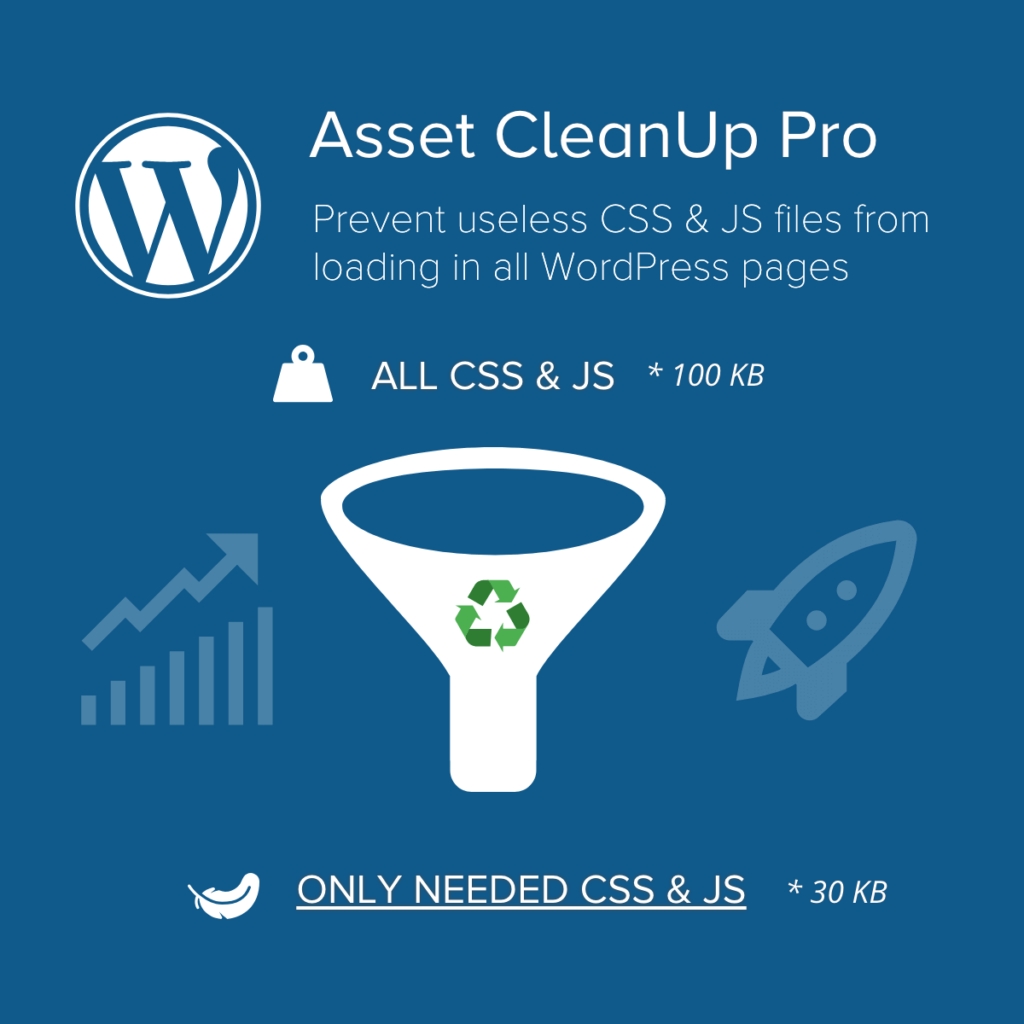
Asset CleanUp focuses on managing the resources loaded on the pages of your site. It allows you to disable certain plugins and scripts that are not needed on specific pages, which is useful for reducing unnecessary HTTP requests and decreasing load times. Like Perfmatters, Asset CleanUp offers very granular control over resources, but with an interface that can be a bit more challenging for beginners.
Other alternatives to consider
Hummingbird
Hummingbird is a plugin that offers performance optimization through minification, compression and caching. It also provides site performance monitoring and proactive suggestions to improve scores in tools such as Google PageSpeed Insights.
Swift Performance
Swift Performance is another all-in-one plugin that offers caching, database optimization and minification solutions. It is known for its ability to automatically configure performance best practices, which can be especially valuable for those less experienced in technical optimization.
Choosing the right WordPress optimization tool depends on the specific needs of your site, your comfort level with the technical setup and the budget available. Perfmatters is ideal for those looking for specific control over the loading behavior of scripts and styles, while options such as WP Rocket or Swift Performance may be more suitable for users who prefer a more automated and comprehensive solution. When evaluating alternatives, consider not only features, but also ease of use and reviews from other users to make an informed decision.
Perfmatters changelog
The Perfmatters changelog is vital for understanding how the plugin has evolved and how updates have improved its functionality and compatibility with WordPress versions. It provides details on all modifications, bug fixes and enhancements in each release, ensuring transparency and helping users keep their sites optimized.
Importance of the perfmatters changelog
Improvements and new functions: The changelog details the improvements made, allowing you to take full advantage of the new features.
Error corrections: Reports specific bugs fixed, useful if you have experienced problems on your site.
Compatibility with WordPress: Displays adaptations to the latest WordPress versions, ensuring efficient and conflict-free operation.
Transparency and trust: A detailed change log builds confidence, showing a commitment to continuous improvement of the plugin.
🚀 10 Web Design Trends 2024: The Complete Guide to Staying Current
Access to changelog and updates
If you're looking to keep your plugin constantly updated at an affordable cost, visit pillbanana where you can get constantly updated Perfmatters for only $4.99.
In addition, if you are interested in exploring more options, you can access our monthly or yearly subscriptions at pillbanana subscriptions. With these subscriptions, you will have access to more than 8000 products, giving you an incredible variety to optimize and enrich your website. This is an excellent opportunity to keep your digital tools up to date and at a very convenient cost.
Download Perfmatters - Lightweight WordPress Performance Plugin now!
Conclusion
Perfmatters stands out as an essential tool for any WordPress user looking to improve the speed and performance of their site. It offers a robust and customizable solution for optimizing websites. However, it is always good to consider alternatives that may better suit specific needs or budgets.
Frequently Asked Questions
Does Perfmatters affect the functionality of my site by disabling scripts?
Perfmatters allows you to disable non-essential scripts and functions, but it is crucial to carefully review what is being disabled to ensure that it does not affect the site functionality you need.
Can I use Perfmatters together with other optimization plugins?
Yes, Perfmatters can be used in conjunction with other optimization and caching plugins, but it is important to ensure that there are no conflicts between the settings of the different plugins.
Is Perfmatters suitable for WordPress beginners?
Although Perfmatters is relatively easy to use, it requires a basic understanding of WordPress functions to make effective use of its optimization features.
How can I get Perfmatters at an affordable price?
You can purchase Perfmatters for only $4.99 at pillbanana. In addition, Pillbanana offers monthly and annual subscriptions that give you access to over 8000 products to maximize the efficiency and creativity of your website.
What additional benefits do I get by subscribing to Pillbanana?
By subscribing to Pillbanana's subscription options, you'll not only get Perfmatters at a great price, but also access to an extensive library of WordPress plugins and themes. This includes regular updates, ensuring that your digital tools are always up to date and running smoothly.
Si quieres conocer otros artículos parecidos a Perfmatters: Optimización de WordPress para una Mayor Velocidad de Carga puedes visitar la categoría Plugins Wordpress.
 Español Español
  English
  Português do Brasil
Leave a Reply